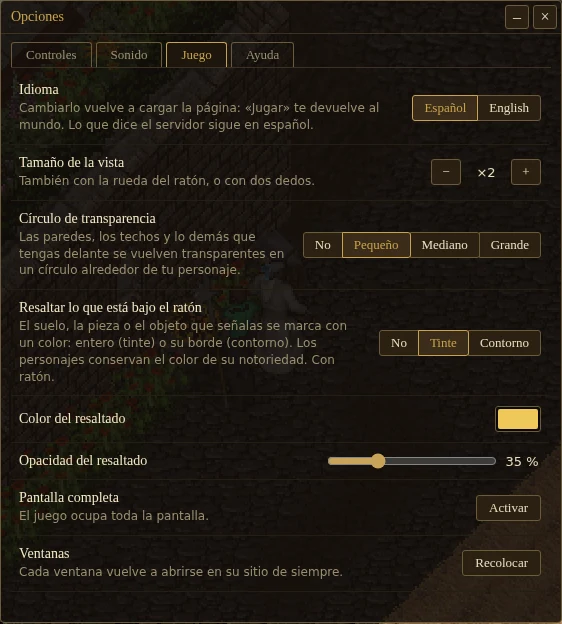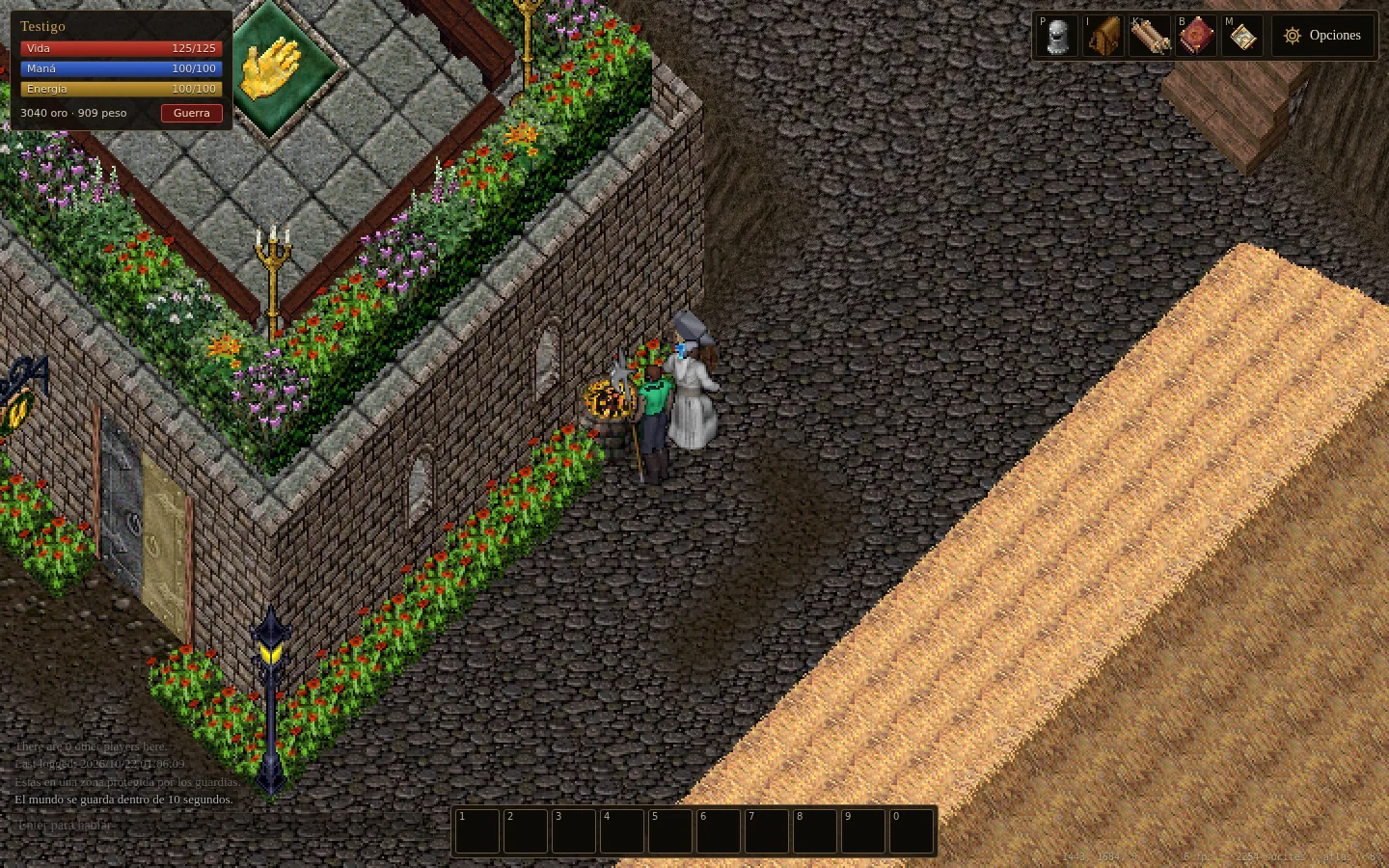
In Options, Game, there is a new setting: Highlight what is under the mouse. It marks in a colour what you point at, be it a floor tile, a wall, a tree, a door or an object, so you know what you are about to touch before you click. It has three positions:
- Off: as always. It starts this way.
- Tint: the whole piece is covered in the colour.
- Outline: only its edge.
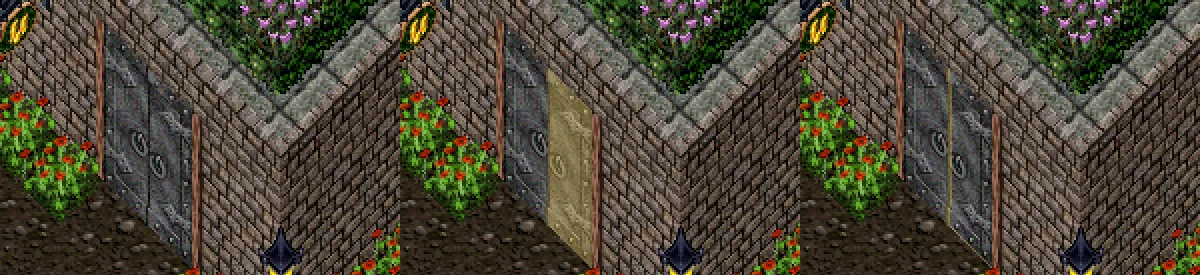
Below it you choose the colour and the opacity, from 10 to 100%. If something stands in front of the piece, the colour stays on the part you can see. Characters are still marked in the colour of their notoriety, as before. It works with a mouse and is kept in your browser, like the other options.