Your account and your character
On the front page, Create account: a name, an email and a password. The email brings a link to confirm the account; if you forget the password, Forgot your password? sends you another link to choose a new one. One account per email.
With the account confirmed, Play takes you to character creation: a name, the body and an archetype. Every archetype starts with 100 in strength, dexterity and intelligence, five skills at 50.0, a little more health, stamina or mana, and its own gear:
| Archetype | Extra | Skills at 50.0 | Gear |
|---|---|---|---|
| Warrior | +25 health | Swordsmanship, Tactics, Anatomy, Parrying and Healing | sword, shield, leather armour and bandages |
| Archer | +25 stamina | Archery, Tactics, Anatomy, Healing and Bowcraft/Fletching | bow, 100 arrows, leather armour and bandages |
| Mage | +25 mana | Magery, Evaluating Intelligence, Meditation, Resisting Spells and Inscription | spellbook (circles 1 to 4) and reagents |
| Paladin | +15 health, +10 mana | Mace Fighting, Tactics, Magery, Resisting Spells and Healing | mace, shield, spellbook (circles 1 and 2), reagents and bandages |
| Rogue | +15 stamina, +10 health | Fencing, Hiding, Stealth, Stealing and Lockpicking | kryss and lockpicks |
| Artisan | +10 health, stamina and mana | Blacksmithy, Mining, Tailoring, Carpentry and Lumberjacking | pickaxe, hatchet, tools and materials |
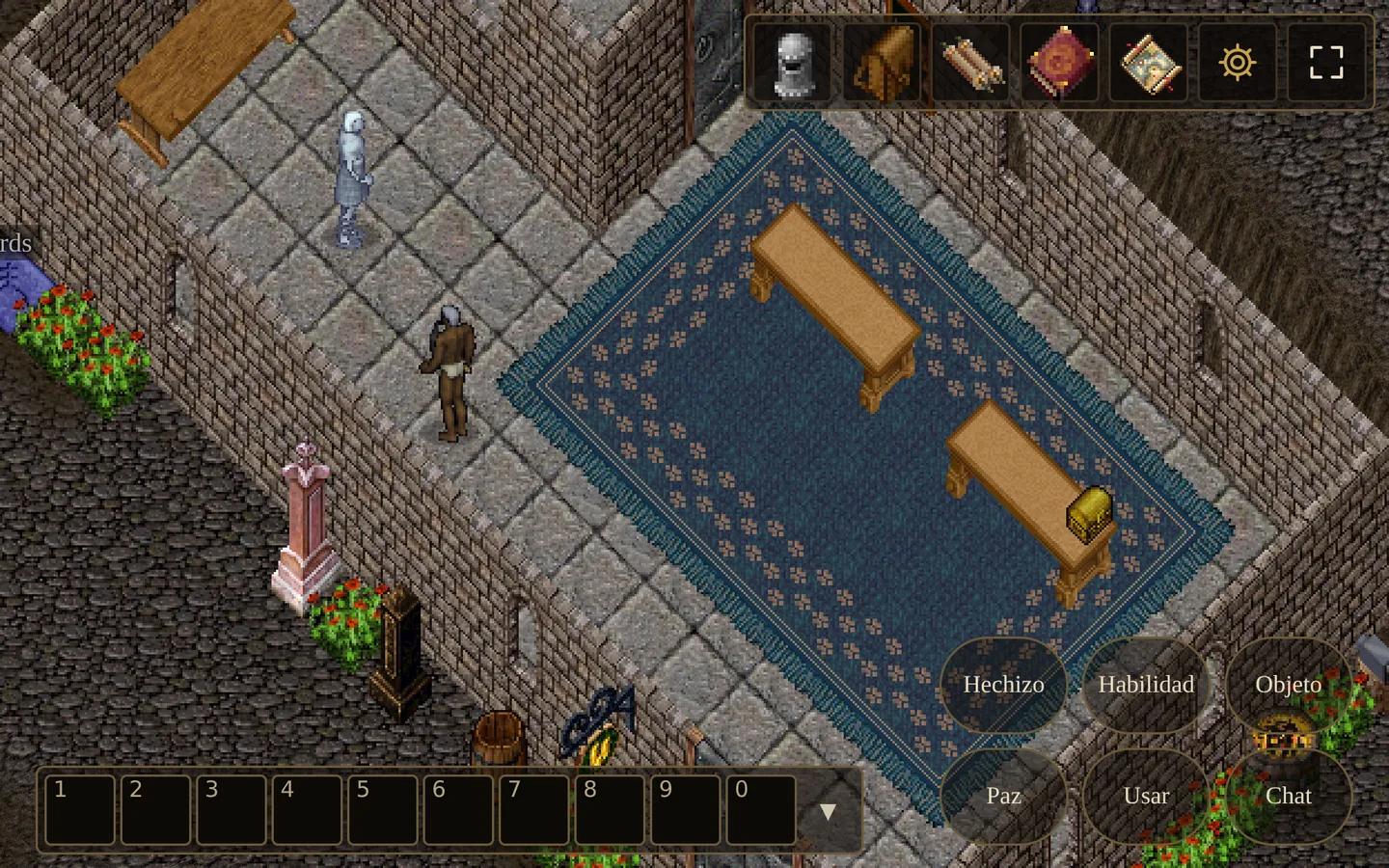
You start in a stone hall with 1000 gold. Its two portals lead to Britain, the capital, and to Minoc, the town of miners, smiths and craftsmen: walk into one.
Moving
| Key | What it does |
|---|---|
| W A S D | Walk towards that side of the screen; two at once, diagonally. With Shift, slowly. |
| Click the ground | Walk to that spot, around whatever is in the way. |
| Left button held | On the ground, walk towards the pointer. |
| Wheel | Zoom the view in or out. |
Doors open with a double click or E, and you go through with one leaf open.
Acting
| Key | What it does |
|---|---|
| Click | See the name of something. |
| Double click | Use, open, talk to a vendor. |
| Right click | Whatever is armed on the bar, on what you point at; with nothing armed, attack or use. |
| E | Use what is next to you: a door; with none, remains or a chest. |
| Esc | Cancel the target, or close the window on top. |
| Tab | War or peace. |
| N | See the names of everyone around. |
| Enter · T | Talk. |
The action bar and its shortcuts
The bar at the bottom has ten slots, 1 to 0. Drag a spell (from the spells window), a skill (from the skills window) or an item (from your backpack) onto a slot. Then:
- Arm a slot with its number: the right click uses it on whatever you point at. A slot onto another swaps them; dragged off the bar, it empties.
- Repeat on the last target: Q casts your last spell again, R uses your last skill again and F your last item, on the same target as before. When the game asks for a target, any of the three picks the last one.
- A slot with an item shows how many you carry, and its tip says what it is.
Those are the macros of today's game: a mage casts, presses Q and casts the same spell on the same enemy; a healer uses bandages on a friend and repeats with F. There are no overnight macros, and no commands to type.
Windows
The buttons at the top right open the game's windows, and each has its key:
| Key | What it does |
|---|---|
| P | Character: your sheet, with a slot for every piece of equipment. |
| I | Backpack. |
| K | Skills: their values, and a button for those that are used. |
| B | Spells: those in your book. |
| M | Map: the land around you and the people near you. |
| O | Options. |
| H | The Options opened on the controls. |
Windows are dragged by their title and never leave the screen. A window of something in the world (a chest, remains, the bank) closes on its own when you walk away from it.
Fighting
- Tab switches between war and peace. At war, a click on a creature attacks it and your character walks up; an innocent person takes a double click, so you do not attack anyone by mistake.
- The music changes when you go to war, if you leave it on.
- Your pets attack whoever you attack, and obey spoken orders: all kill, all follow me, all guard me, all stay, all stop. More in the taming guide.
Items, loot and mounts
- Point at an item to see what it is and its details.
- Drag it to move it; onto a pile of the same, they join.
- Right click sends it into your backpack, or from your backpack into the container you opened last. With no other container open, you put on what can be worn.
- Shift + click (or a click on its number) takes only part of a pile.
- Loot: next to remains, double click or E; Take all moves everything into your backpack.
- Riding: in peace, double-click an animal of yours to get on; to get off, double-click yourself.
Shops, the bank and the people of the world
- Shopkeepers: a double click opens their shop, with three tabs: Comprar (buy), Vender (sell) and Enseñar (teach). They teach their trade up to 45% of what they know and at most up to 40.0, for gold.
- The bank: say bank near a banker and your bank box opens; balance tells you how much gold you keep there.
- What the server and its people say is in Spanish, as it always was; the game's windows and this site are in Spanish and English.
Skills
Skills rise as you use them, faster at first and slower near the top; each rise is written in the journal in green with the amount, and so is every attribute that grows. Attributes stop at 150 each and 450 for the three. When a skill fails, the journal says so.
Options and help
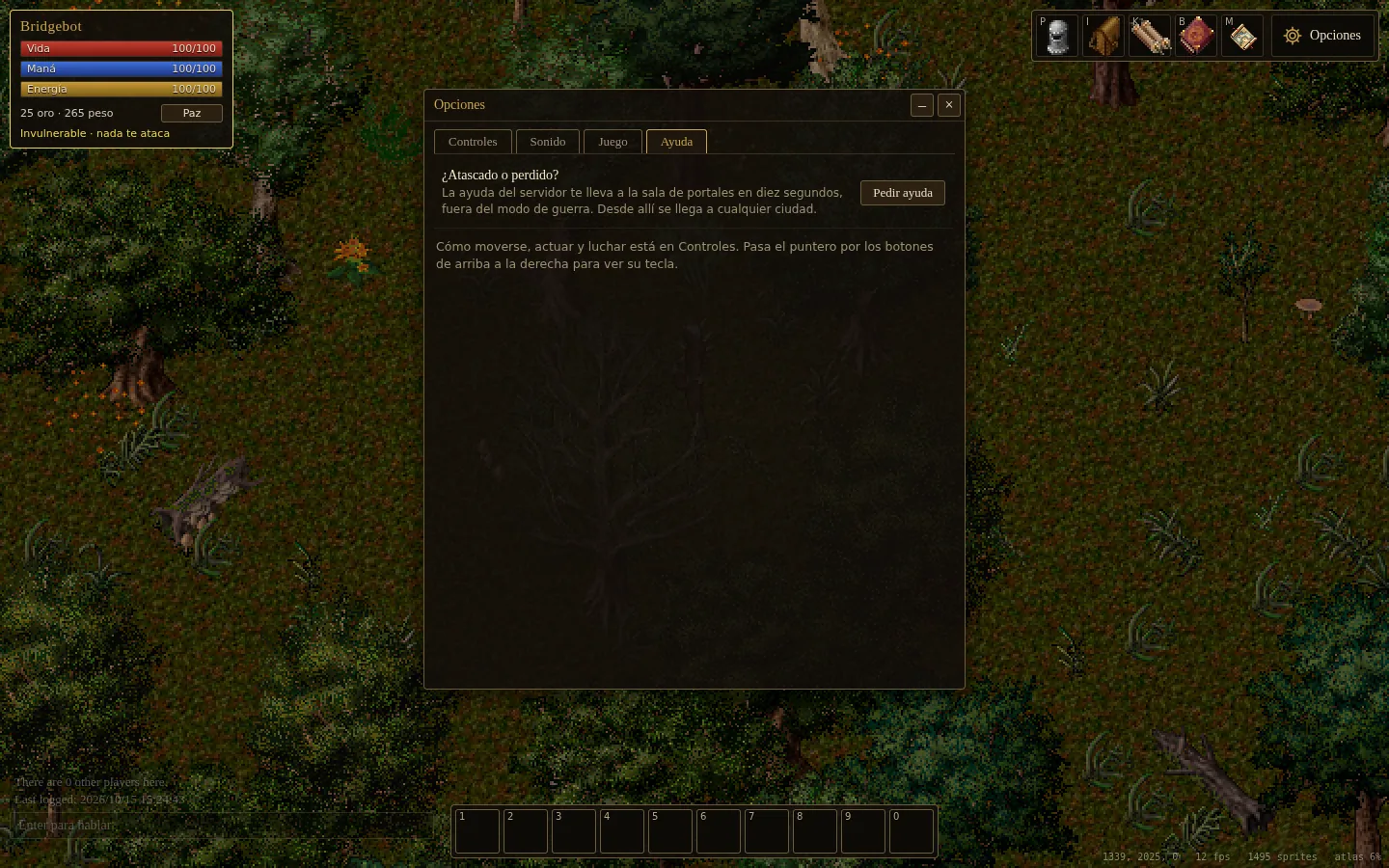
The Options window (O) has four tabs:
- Controls: this list of keys, inside the game.
- Sound: the game's music (peace while walking, battle in war mode), combat music, the music's volume and the effects' volume.
- Game: the language, the size of the view, the circle of transparency (walls and roofs in front of your character turn see-through around it), full screen, and putting every window back in its place.
- Help: if you are stuck or lost, Ask for help takes you to the Hall of Portals in ten seconds, out of war mode. From there you reach any town.
On a phone
The game runs in the phone's browser too, with nothing to install. Upright it is played with taps; sideways a control pad appears.
| Key | What it does |
|---|---|
| Tap | Walk there, or see the name of something. |
| Double tap | Use, open, talk to a vendor. |
| Hold a finger | Does what the right click does: whatever is armed, or attack or use. |
| Two fingers | Zoom the view in or out. |
| Sideways | A stick to walk with appears, and buttons for E, Q, R, F, war and talking. |
A button at the top puts the game in full screen.